How to set up your TikTok NFC card
Turn an in-person moment into a direct path to your TikTok profile.
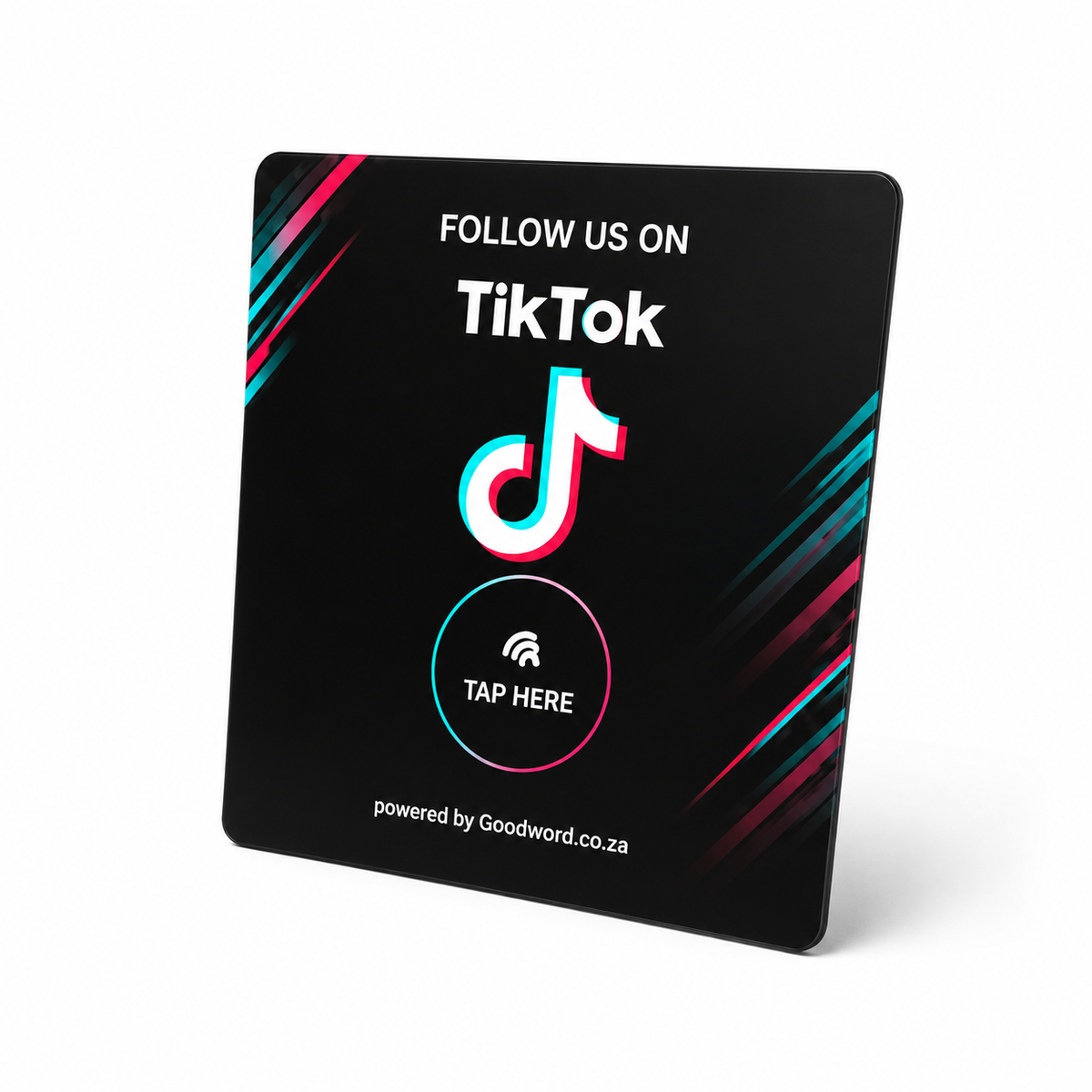
Your card arrives ready to use. We program the TikTok profile link you provide before dispatch. When the card arrives, test it once, place it where customers already engage with your brand, and you are ready to turn taps into profile visits and potential followers.
Quick start
- Test it. Unlock your phone, tap the Tap Here area and confirm the correct TikTok profile opens.
- Place it. Use the counter, reception desk, checkout, event display or another natural customer touchpoint.
- Tap + follow. The customer taps, opens your TikTok profile and can choose to follow, watch or explore your content.
Opens your profile · Rewritable NFC · No battery — Card: acrylic · 117 x 128 mm · black or white · flat card, no stand included
How to tap the card
The phone reads the NFC link and opens the TikTok profile you selected. The visitor can then view the profile, watch content and choose whether to follow.
- Wake the phone. Unlock or wake the screen.
- Tap the card. Hold the NFC area of the phone close to Tap Here.
- Open + follow. Tap the notification, open the TikTok profile and follow if you want to keep seeing the business's content.
On iPhone
iPhone XR / XS and later: hold the top of the phone near the card. iPhone 7 / 8 / X: open NFC Tag Reader first, then tap.
On Android
Make sure NFC is switched on. Hold the back of the phone near the card and tap the notification.
Placement that earns profile visits
Put the card where someone has already had a positive interaction with your brand and has a reason to keep following your content.
- Checkout. After purchase, while the brand is still top of mind.
- Reception. Good for salons, clinics, hospitality and service desks.
- Events. Use at activations, markets, pop-ups and creator events.
- Display. Place beside products, promos or social-first signage.
Make the profile worth following. Keep the profile name and bio easy to recognise, use a clear profile image, and have recent content visible before you put the card out. If your goal is easy discovery and following, a public account removes the need to approve each follower request.
Link the card to TikTok
Use these steps if you want to link or re-link the card to a different TikTok profile.
Before you start
- NFC-enabled smartphone
- NFC Tools app
- Your TikTok profile link
Five steps
- Open the right profile. Open TikTok and go to the exact business or creator profile you want the card to open.
- Copy the profile link. Use TikTok's profile sharing option to copy the profile link. Your @username is part of that link, so changing the username later also changes the profile URL.
- Add it in NFC tools. Open NFC Tools → Write → Add a record → URL / URI and paste the full TikTok profile link.
- Write to the card. Tap Write, then hold your phone over the area marked Tap Here until writing completes.
- Test before use. Close NFC Tools, tap the card normally and confirm the correct TikTok profile opens. If the username changes later, rewrite the card with the new profile link.
Troubleshooting
Nothing happens
Wake the screen, remove a very thick case and move the phone slowly over Tap Here. Android: check NFC is enabled.
Wrong profile opens
Rewrite the card with the correct TikTok profile link. Open the link in your browser first to confirm the destination.
Profile link changed
TikTok says changing your username also changes your profile link. Copy the new link and rewrite the card.
Card will not rewrite
The tag may have been made read-only. A permanently locked tag cannot be unlocked.
Before you lock the tag
Do not make the NFC tag read-only or permanently lock it until you have tested the link. A locked tag cannot be rewritten.
Good to know
- Reusable: as long as the tag is not locked, you can change the TikTok profile link later.
- Privacy: the NFC tag stores only the profile URL you program; it does not store customer or follower details.
Goodword is not affiliated with or endorsed by TikTok.